
1. Click  next to the bell icon
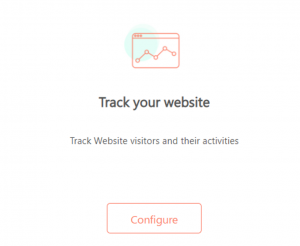
2. Under Track your Website, click Configure
3. Click Add A New Domain
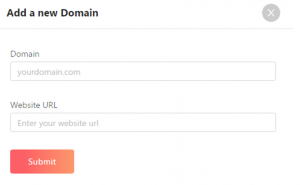
4. In Domain, enter your website domain name
5. In Website URL, enter the URL of your Website
6. Once you add the domain, there is a tracking script that is generated
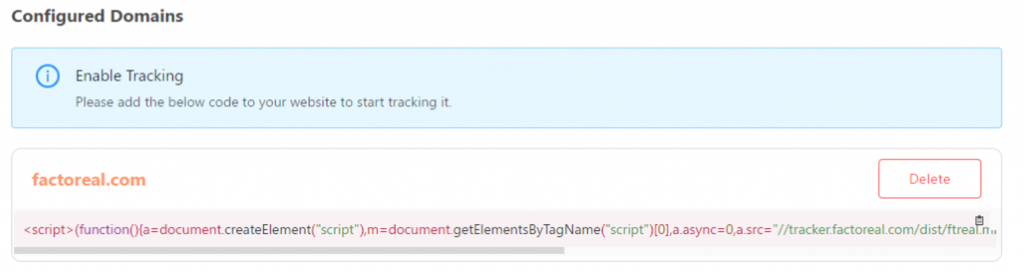
7. You just need to copy the script and paste it in the header of your Website
