
1. Click  next to the bell icon
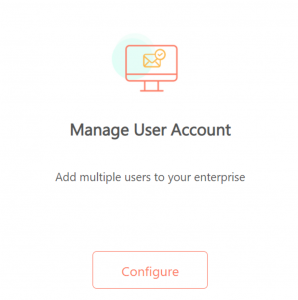
2. On Manage User Account, click Configure
3. Click Create User
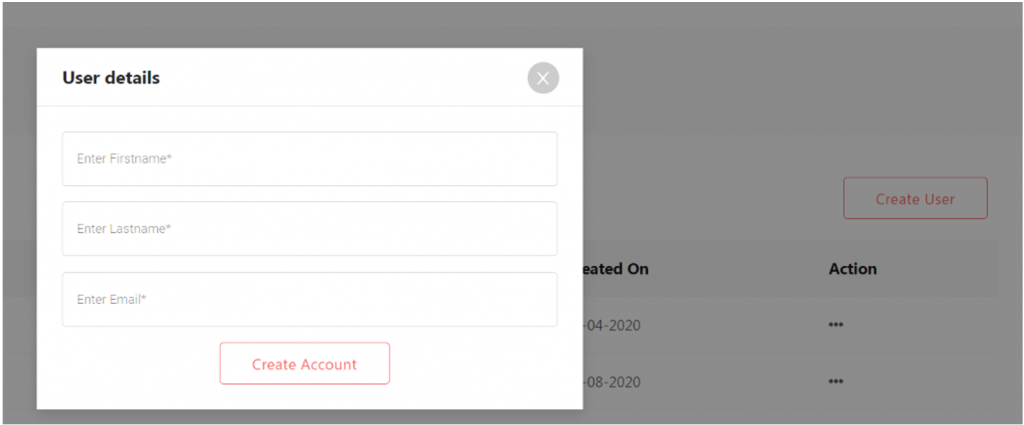
4. Enter the first name, last name, and email address of the user you wish to add to your Factoreal
5. Click Create Account – Once you click Create Account, the user will receive a verification email. Once the user verifies the email, he/she would be able to access the Factoreal account and co-work with you.
