
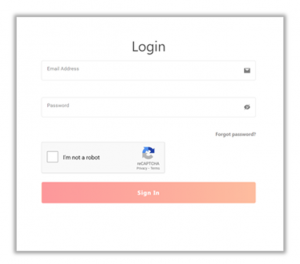
1. Go to https://app.factoreal.com/signIn
2. Enter your user name and password
3. Click Sign In
Recover Forgotten Password
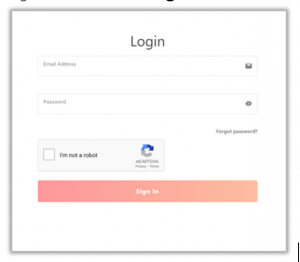
1. Go to https://app.factoreal.com/signIn
2. Click Forgot Password?
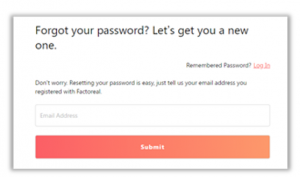
3. Enter your email address
4. Click Submit
5. You will receive an email on your registered email address with a link to reset your password
6. Click the password reset link in your email
7. In New password, enter your new password
8. In Confirm password, re-enter the new password
9. Click Submit
You can now go back to the login page and log in with your new password
