
- Click
 next to the bell icon
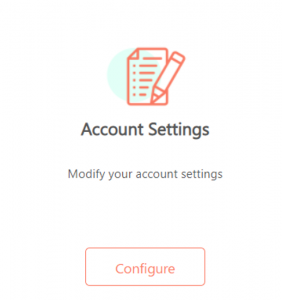
- On Account Settings, click Configure
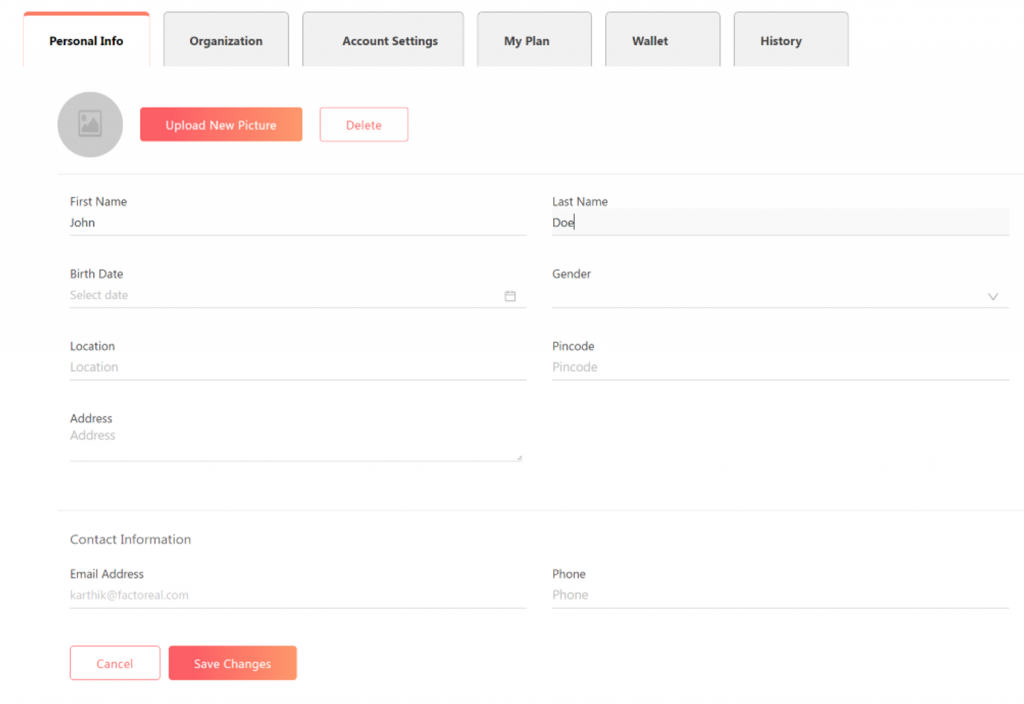
- On the Personal Info tab, you can edit your profile information, such as location, birth date, phone number, etc.
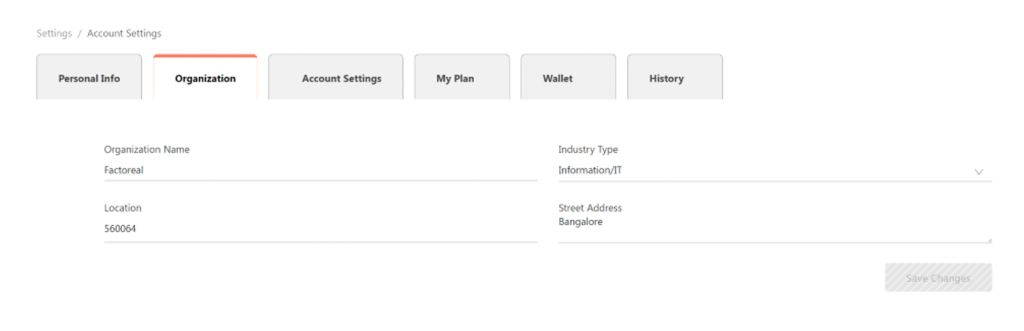
- On the Organization tab, you can update your organization details, such as industry type, organization name, location, etc.
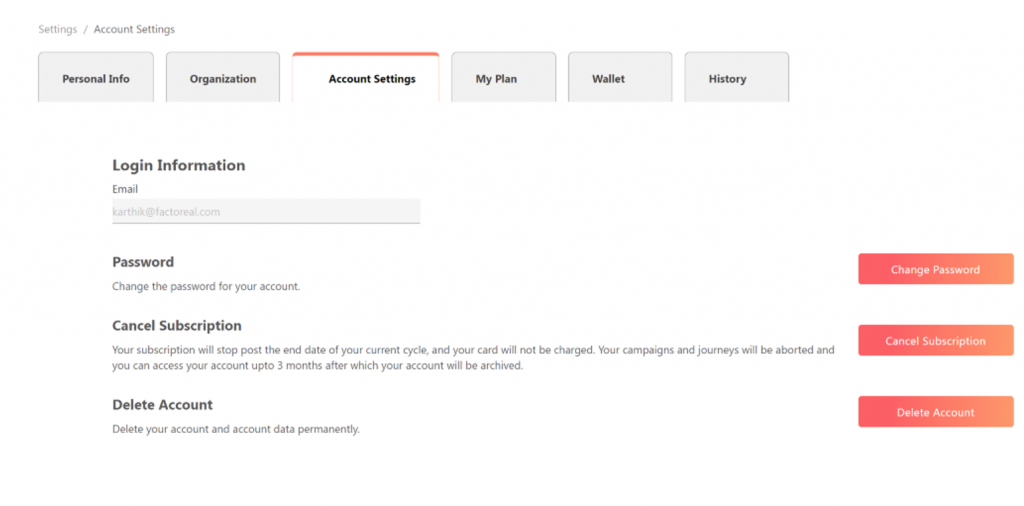
- On the Account Setting tab, you can make changes to your login password, cancel your Factoreal subscription and delete your Factoreal account
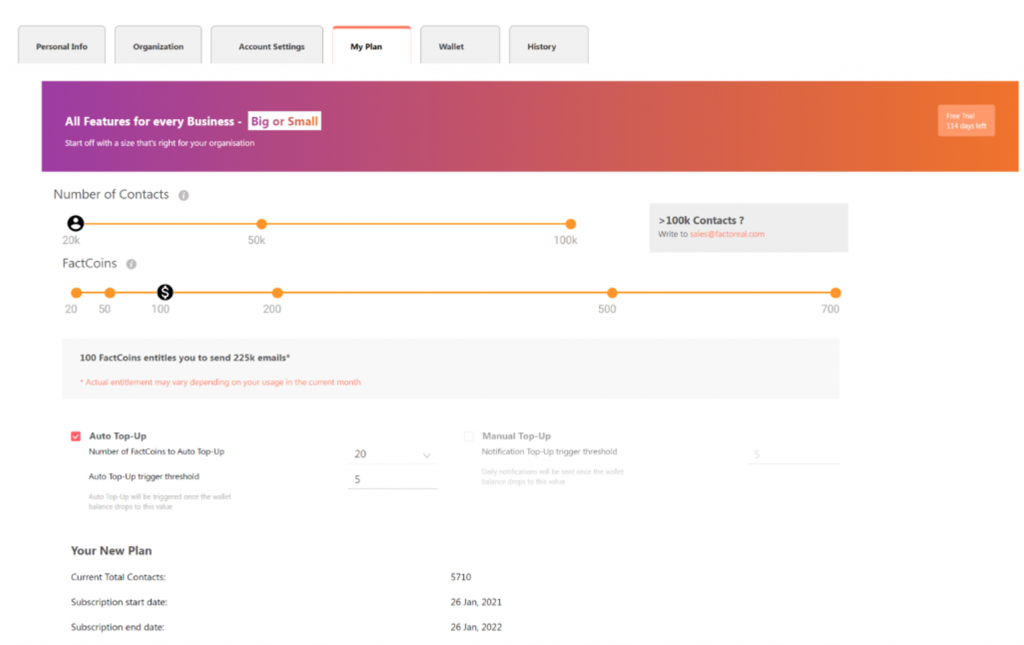
- On the My Plan tab, you can see your plan details, contacts, subscription details, etc. You can upgrade your plan by clicking Purchase
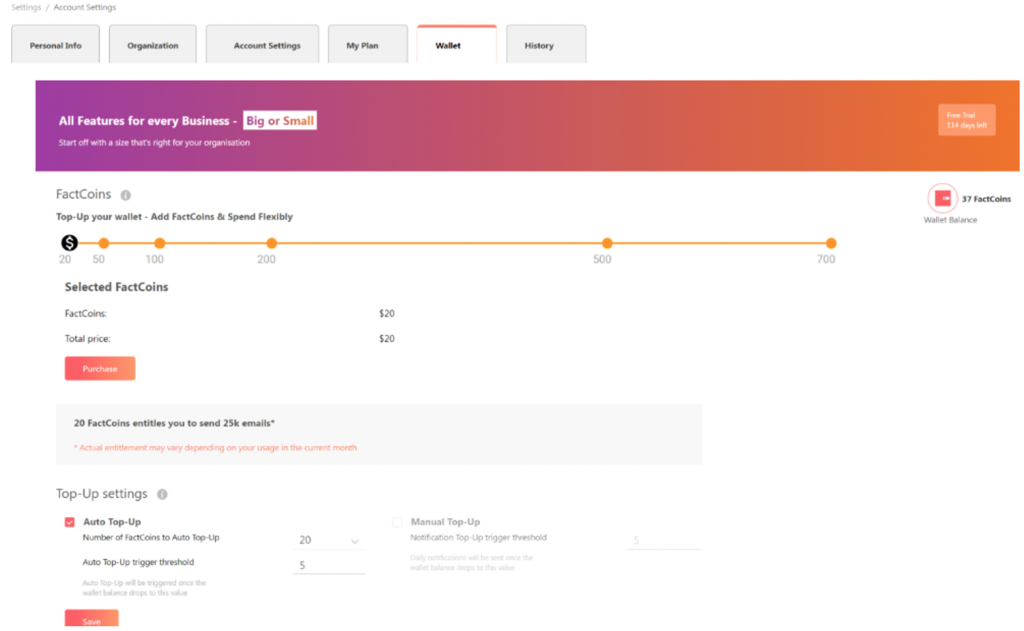
- On the Wallet tab, you can see all the details about your Factoreal wallet balance. You can top-up and make new purchases.
